Follow these steps to reset a student's PC password.
- Open File Explorer and navigate to the X: drive (Departments).
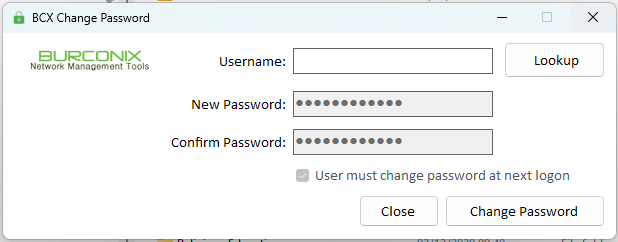
- Open BCXChangePassword

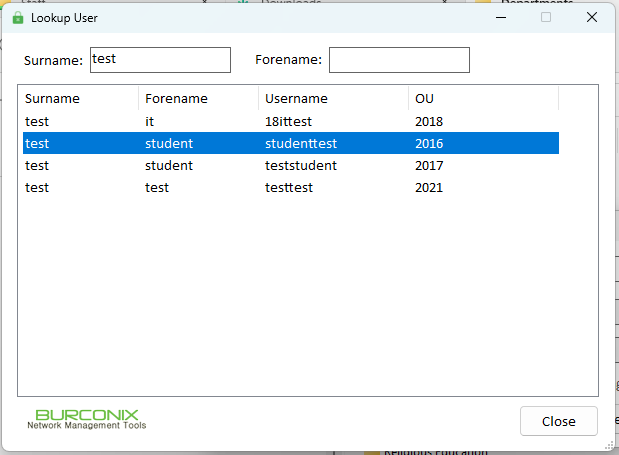
- Select lookup and search for the student.
- Double click the student whose password you wish to reset.
- Click Change Password

- The student's password will be reset to Password99!!
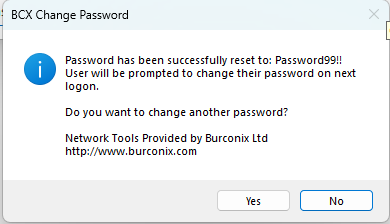
- The student will be prompted to change their password next time they logon.
Was this article helpful?
That’s Great!
Thank you for your feedback
Sorry! We couldn't be helpful
Thank you for your feedback
Feedback sent
We appreciate your effort and will try to fix the article